Run any open-source model directly on your laptop — or bring your own API key for the jobs that need a bigger brain. Either way, you stay in control.

OnPrem sits quietly in your menubar. Select text anywhere on your Mac — an email draft, a Notes page, a PDF — and hand it to a model running on your own hardware.
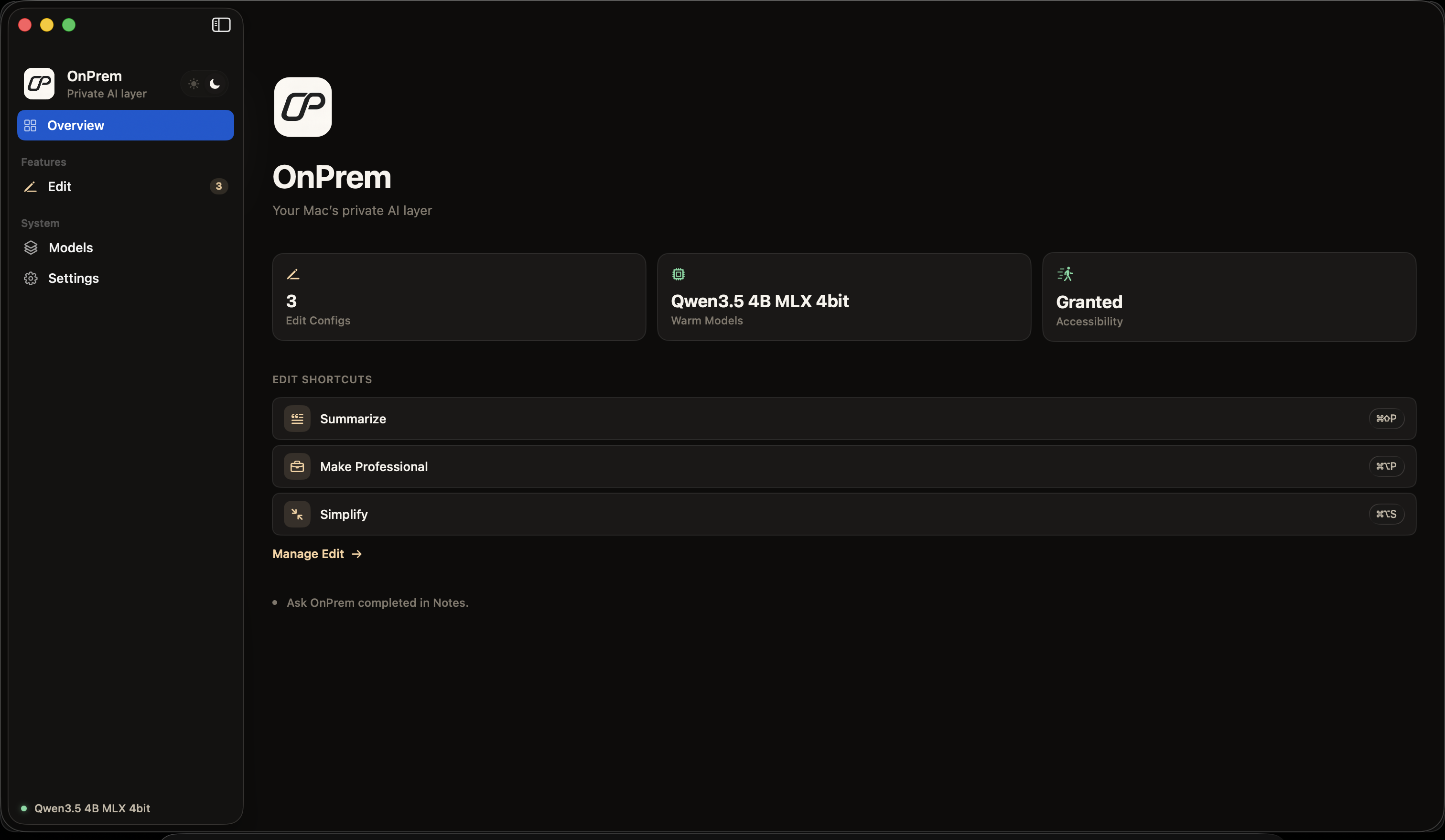
Summarize, rewrite, tighten, or make professional. One hotkey on any selected text, anywhere.
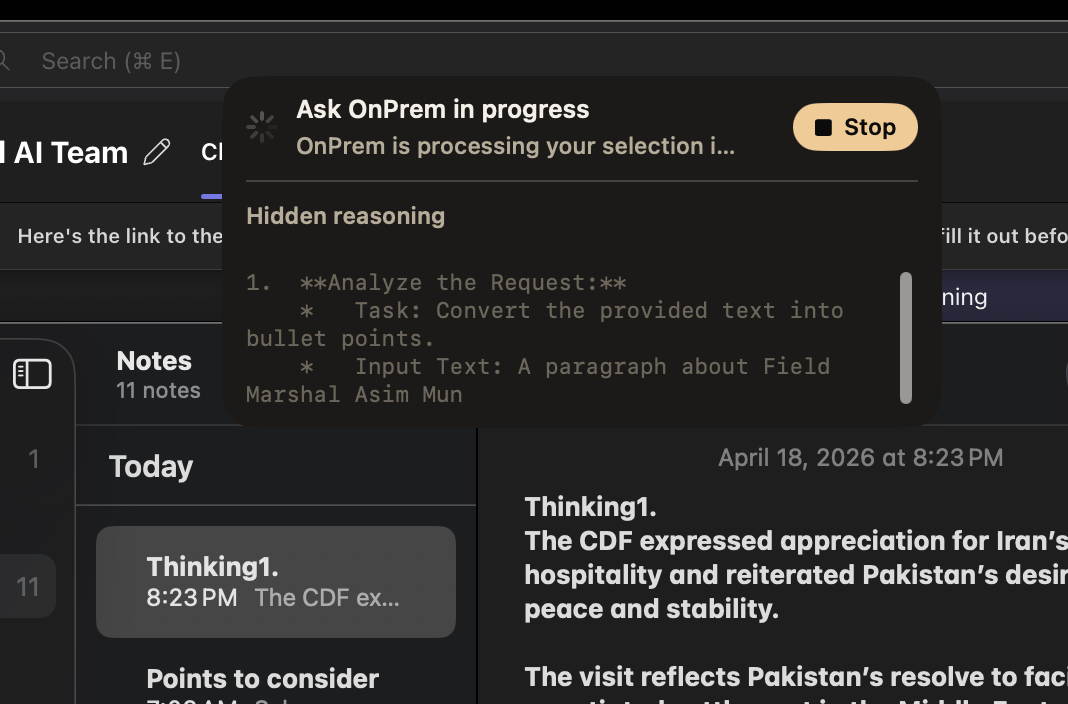
Ask about what you've selected. The model reasons over it and returns an answer — no context copied to the cloud.
Build your own Edit configs — a translation step, a tone check, a code explainer — each bound to its own hotkey.
No extensions, no API keys, no new app to paste into. If your Mac can select it, OnPrem can work on it.
Reasoning traces stream inline. Inspect the model's work, stop it mid-flight, or let it finish and stay out of your way.
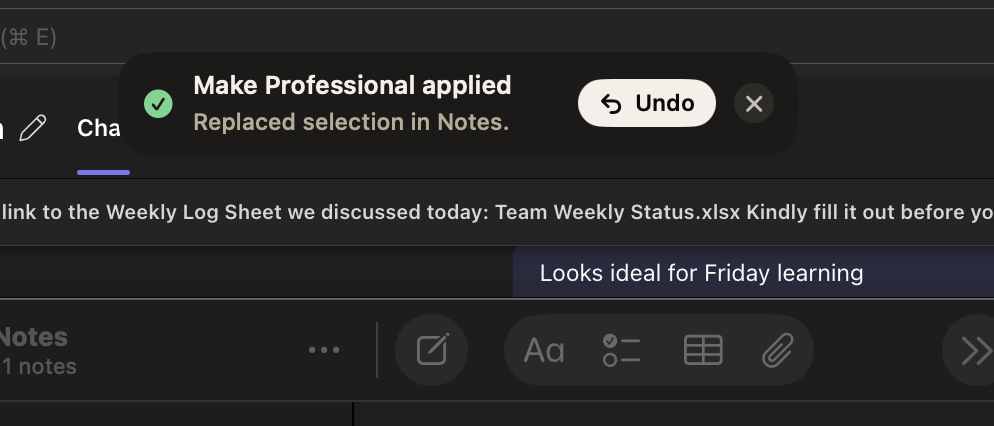
Output lands exactly where your selection was. A quiet toast confirms the change with a one-click undo.
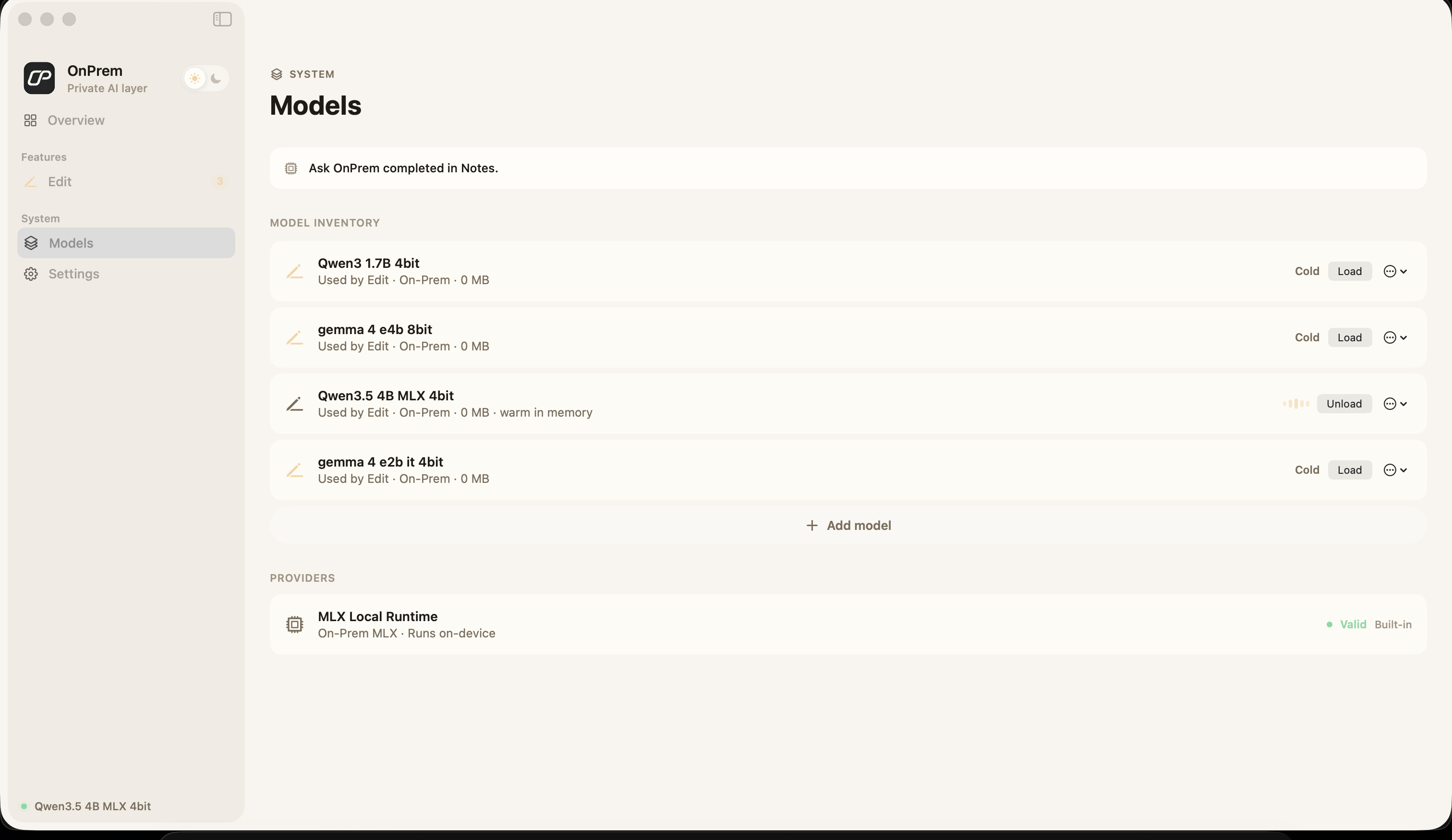
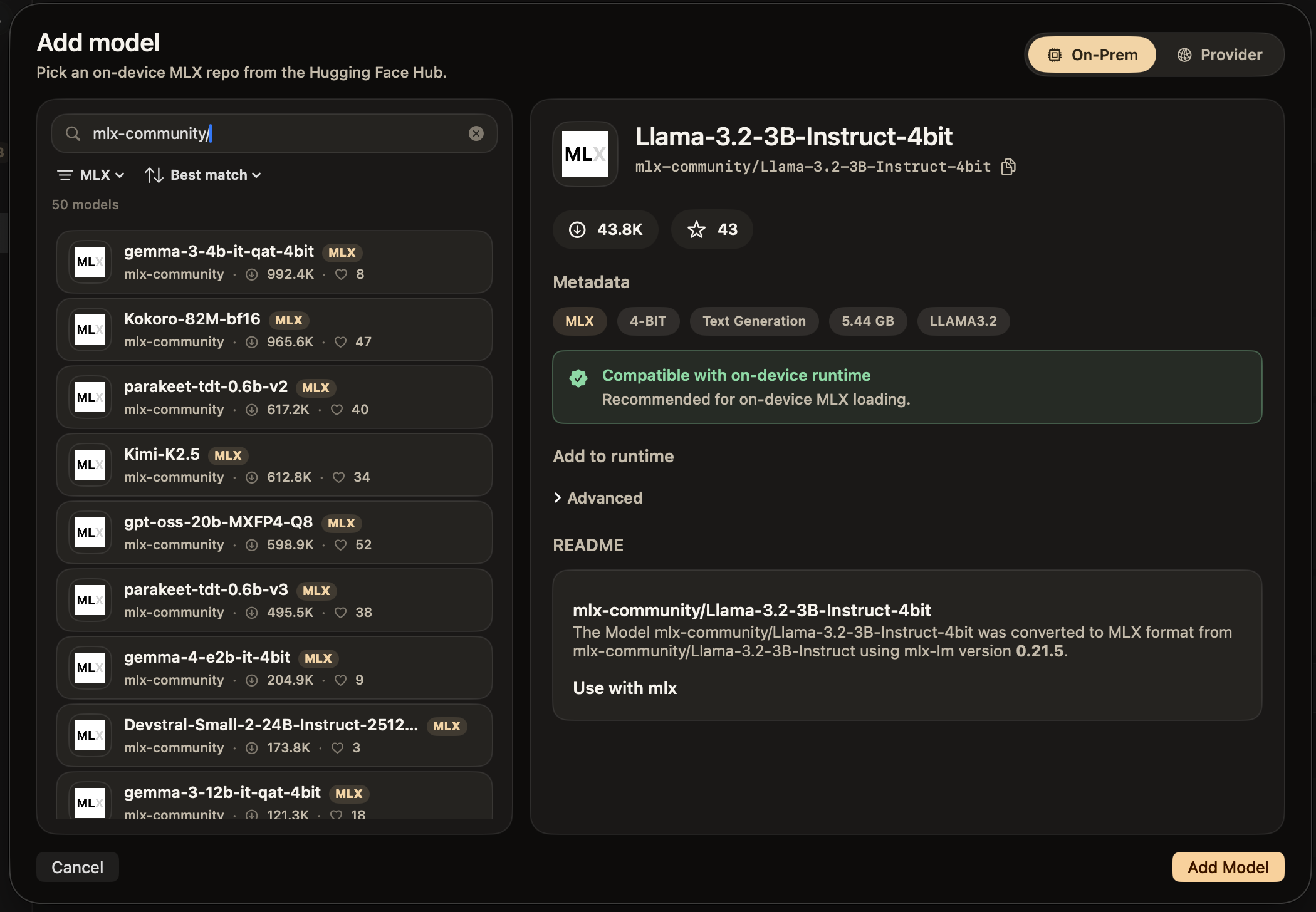
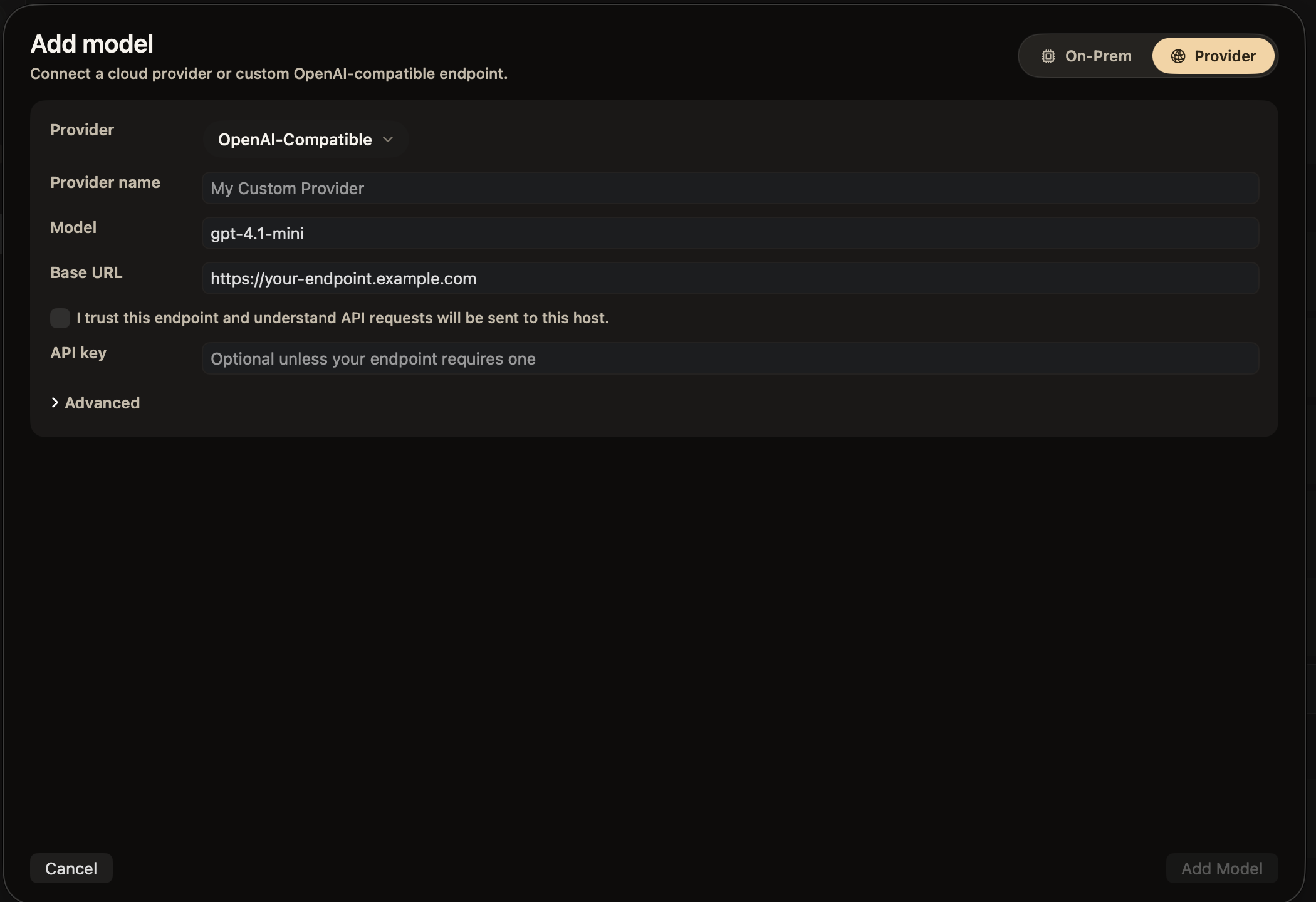
Pick any MLX-compatible model on the Hugging Face Hub — thousands of them — and run it locally. Or flip a toggle, bring an API key, and route to OpenAI, Anthropic, or any OpenAI-compatible endpoint.
Paste an org prefix — mlx-community/ — and OnPrem surfaces the full catalog. We flag what's compatible, show quantization and size, and load it straight into the runtime.


When local isn't the right call — bigger context, a frontier model, a custom internal endpoint — drop in an API key and route through it. Your key stays in the Keychain; OnPrem never sees it.
The local runtime uses MLX to run quantized open-source models efficiently on your Mac's Neural Engine and GPU. Warm models stay in memory; cold ones load in seconds.
Every shortcut is a saved Edit Configuration — a name, an icon, a system prompt, a hotkey. Build new ones in seconds. No config files, no CLI, no restart.
Saved edit actions define the shortcut, instruction, and output behavior used by the Edit runtime.
Local mode sends nothing to anyone. Switch to a provider and your key lives in the Keychain — OnPrem itself never reads or stores it.